
Blocked Customers in Booknetic
Block customers by email or phone and stop new frontend bookings from restricted contacts while keeping full admin-side control.

By using this site, you agree to our Cookie Policy
Block customers by email or phone and stop new frontend bookings from restricted contacts while keeping full admin-side control.
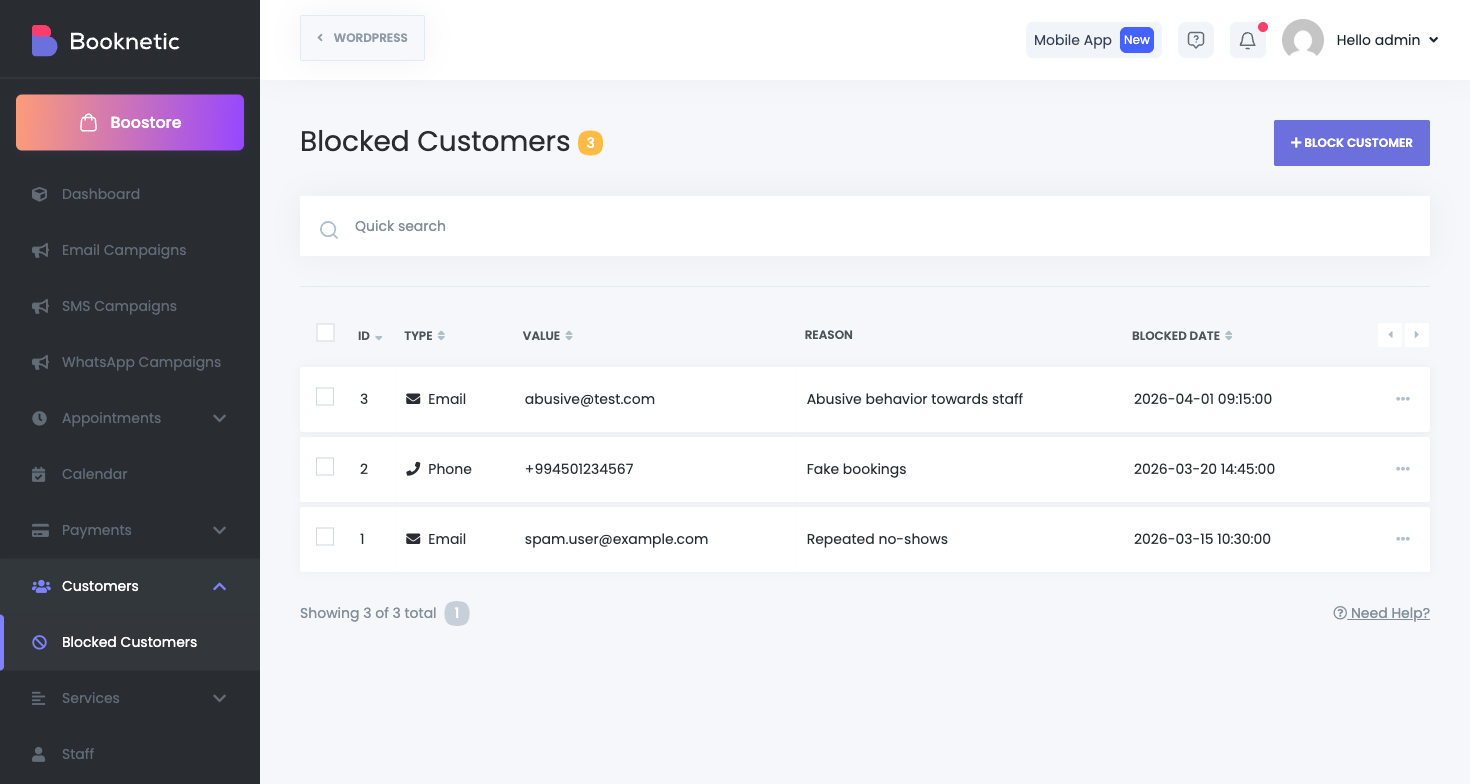
Blocked Customers lets you deny new frontend bookings from specific contacts. You can block by email or phone, keep a reason for internal tracking, and remove entries at any time.
The add-on creates a blocked list and checks customer identifiers during booking validation. If a match is found, booking is rejected with a clear error message.
Menu path: Customers > Blocked Customers
| Capability | Description |
|---|---|
blocked_ | View blocked customer list. |
blocked_ | Add and remove blocked entries. |
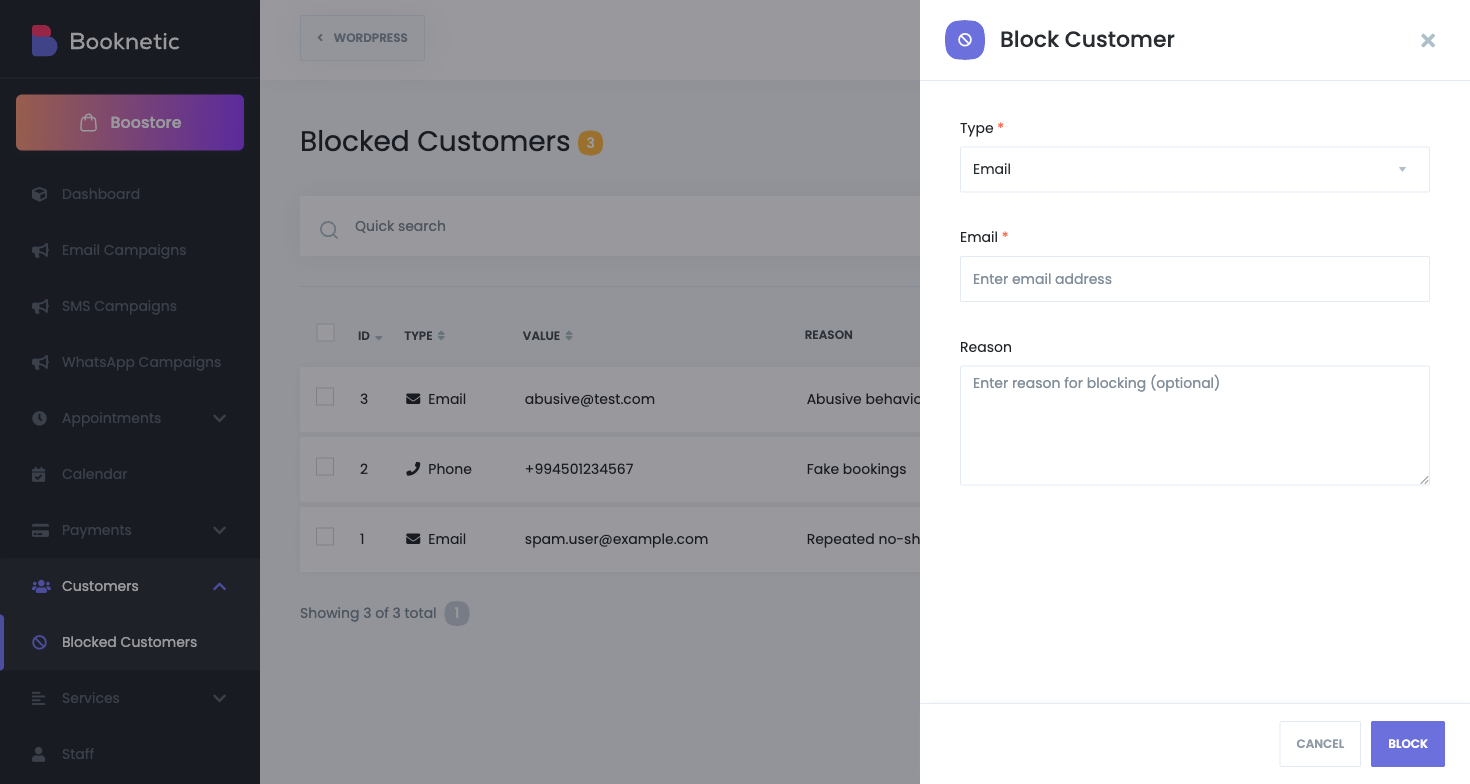
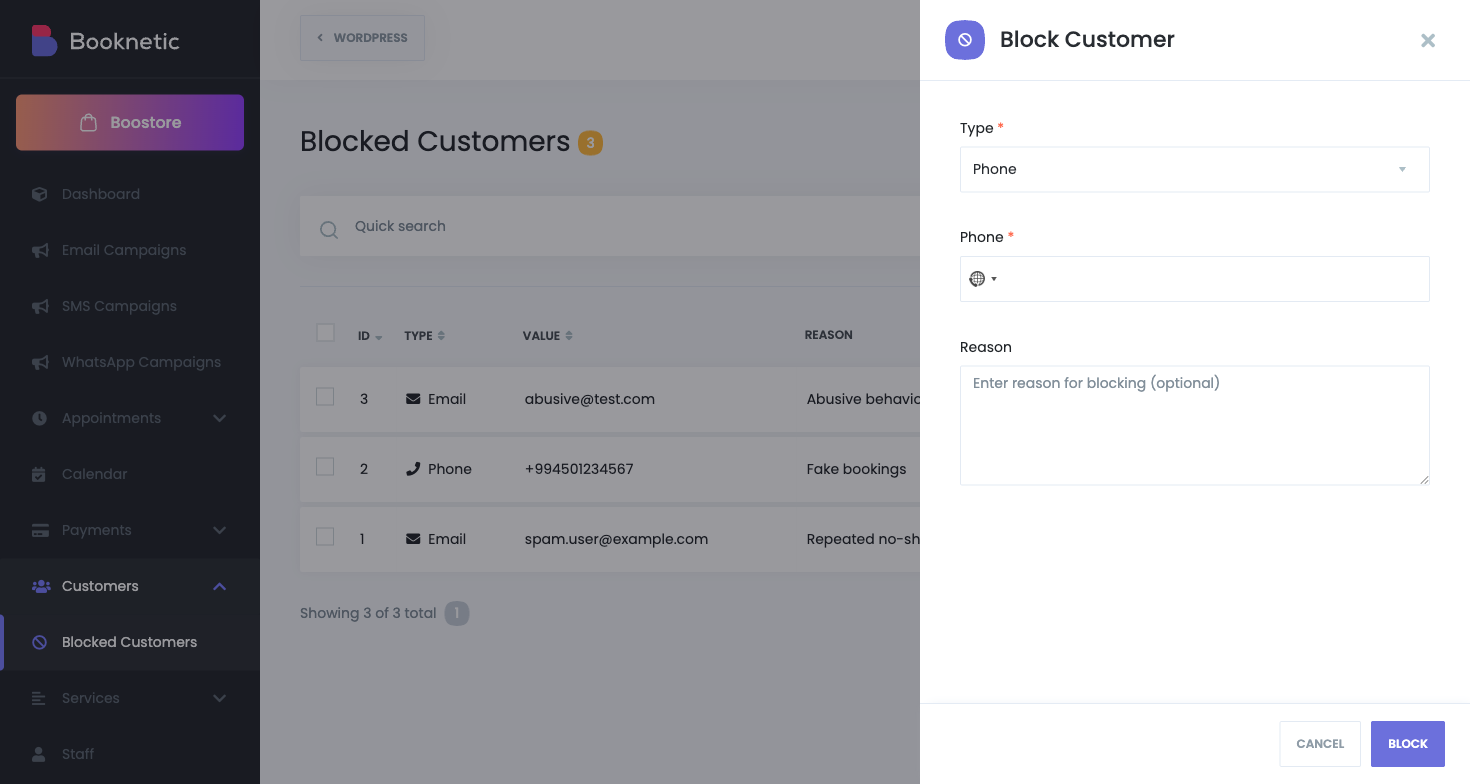
Select Type: Email or Phone.
| Field | Required | Notes |
|---|---|---|
| Type | Yes | email or phone |
| Email / Phone value | Yes | Email is normalized to lowercase before save. |
| Reason | No | Internal note for your team. |
Enter your email
We will create a sandbox demo with special access and you will be able to test this sandbox demo as you wish within 3 days