In‑App Notifications in Booknetic
Set up In‑App Notifications in Booknetic to get real‑time alerts for new appointments, changes, and workflow events, with clickable notifications, toast messages, and support for different notification types.

By using this site, you agree to our Cookie Policy

Set up In‑App Notifications in Booknetic to get real‑time alerts for new appointments, changes, and workflow events, with clickable notifications, toast messages, and support for different notification types.
In-App Notifications allow admins and staff members to receive real-time notifications directly inside the Booknetic dashboard. These notifications are designed to provide immediate visibility for important events and offer direct actions, such as opening appointment details or external links.
Notifications are delivered without reloading the page and remain accessible until they are marked as read or cleared.
A notification icon is displayed in the top-right corner of the Booknetic dashboard.
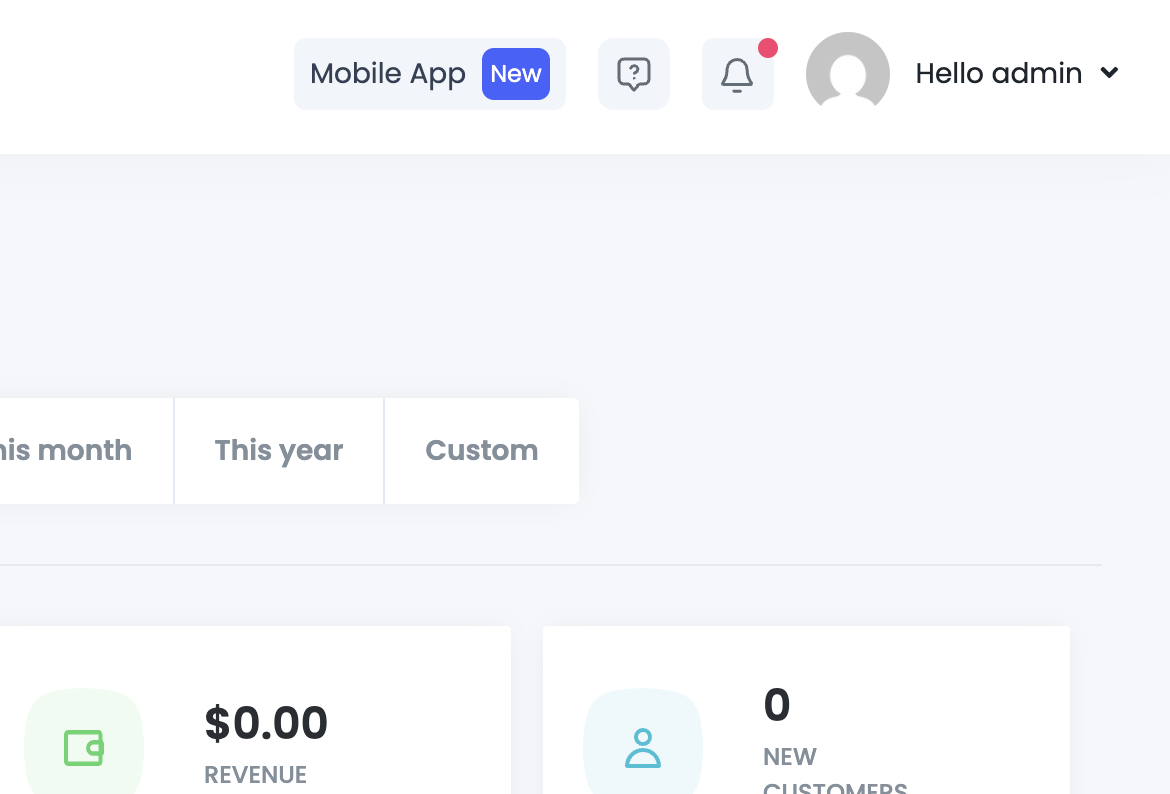
The dropdown displays a list of recent notifications with the following information:
Notifications are loaded dynamically and do not block or reload the page.
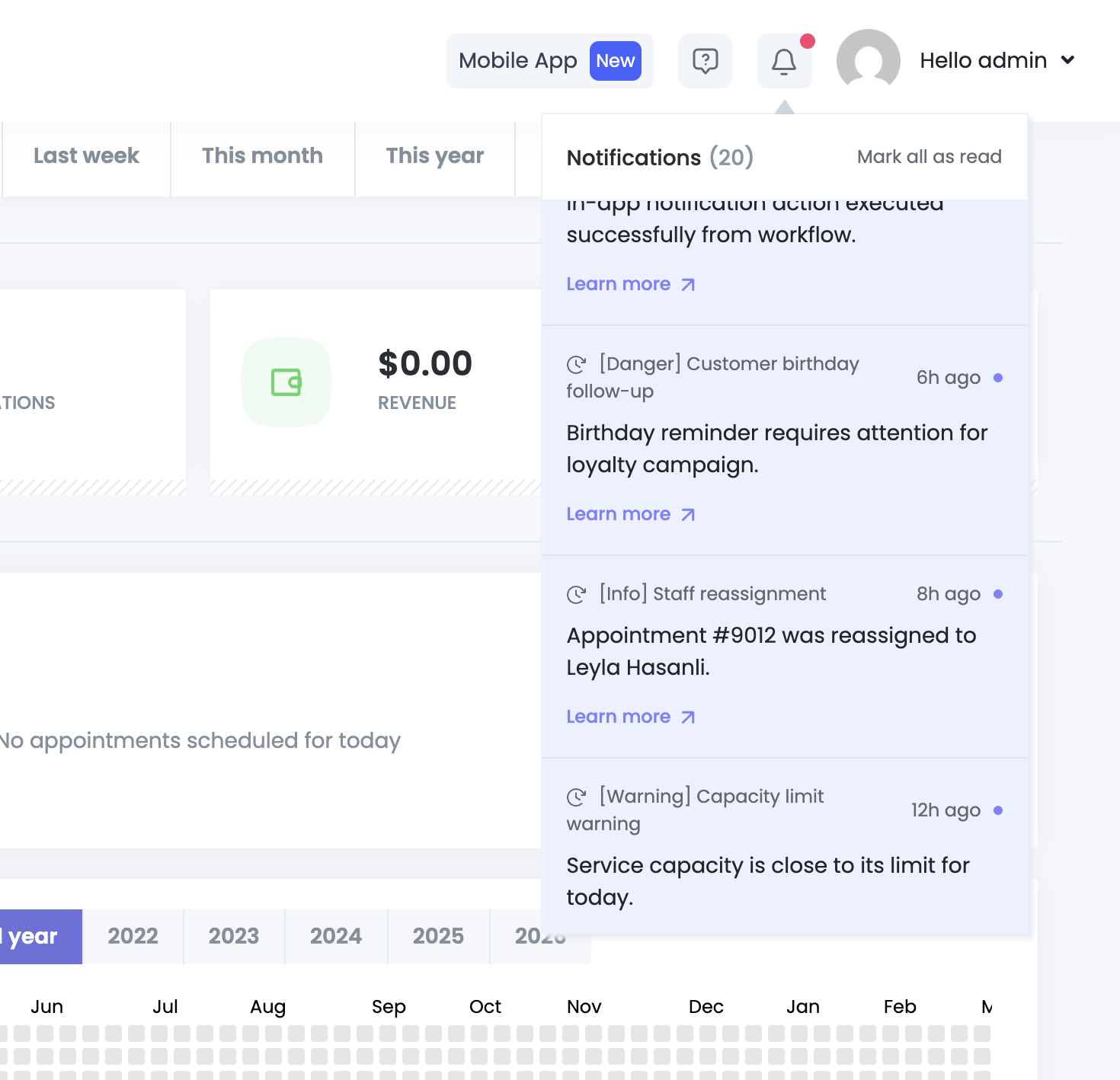

The notification list supports infinite scrolling, allowing you to load older notifications seamlessly as you scroll down.

Each notification is assigned a type that defines its visual appearance:
These visual cues help users quickly understand the priority of a notification.

In-App Notifications can perform actions when clicked. This behavior is controlled automatically based on the notification configuration.

When the notification is related to an appointment:
Notifications can also open a link:
When a new notification is created:
This ensures immediate visibility while keeping a persistent record.
In-App Notifications are created using the Workflow system.

You can add a dedicated action inside any workflow.

Available Fields
To
Select who should receive the notification:
Type
Choose the notification type:
Title
Short headline shown in the notification list.
Description
Main message content displayed to the user.
Once saved, the notification will be sent automatically whenever the workflow is triggered.
