
White-Labeling Documentation
Learn how to fully rebrand Booknetic using the White-Labeling Add-On. Replace logos, titles, URLs, documentation links, and apply custom CSS to present Booknetic as your own product.

By using this site, you agree to our Cookie Policy

Learn how to fully rebrand Booknetic using the White-Labeling Add-On. Replace logos, titles, URLs, documentation links, and apply custom CSS to present Booknetic as your own product.
The White-Labeling Add-On allows you to fully rebrand Booknetic and present it as your own product. With this add-on, all visible Booknetic branding can be removed and replaced with your own logos, titles, links, and visual styles.
This documentation explains how to configure the white-labeling options and how each setting affects the system.
Before using the White-Labeling Add-On, make sure that:
Booknetic is installed and activated
The White-Labeling Add-On is installed and activated
You have administrator access to WordPress and Booknetic
Log in to your WordPress admin panel
Navigate to Booknetic → Settings
Open the White-Labeling tab
All branding and customization options are managed from this single panel.
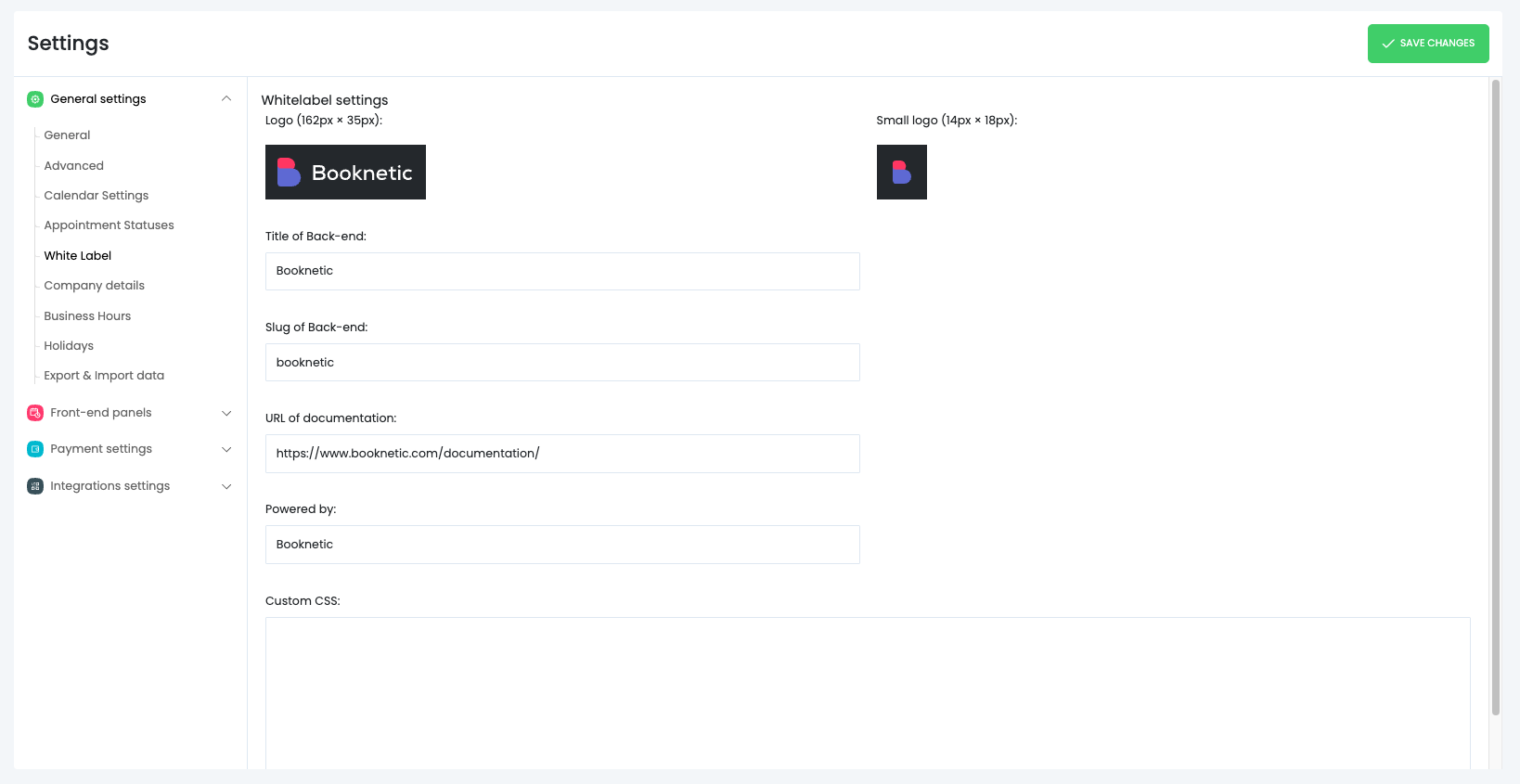
The White-Labeling Add-On lets you replace all Booknetic visuals with your own brand assets.
Used across the Booknetic admin interface
Recommended size: 162 × 35 px
Best results are achieved with transparent PNG or SVG files
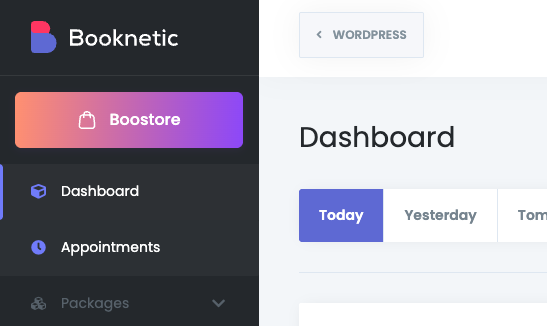
Used in compact UI areas where space is limited
Recommended size: 14 × 18 px
Once uploaded, these logos immediately replace Booknetic branding throughout the system.
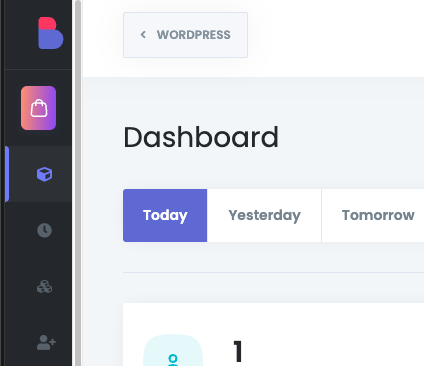
You can define a custom platform name that appears:
In the WordPress admin menu
On Booknetic pages
In page titles and headings
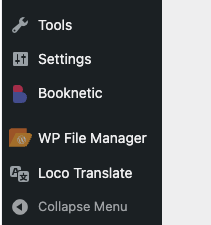
This ensures staff members see your product name instead of Booknetic.
You can change the default Booknetic admin URL slug.
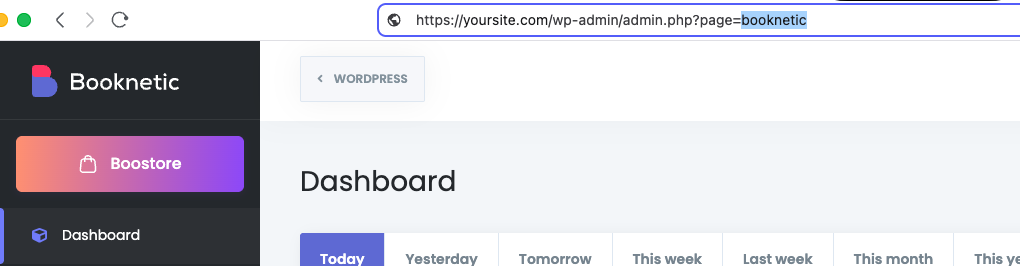
Example:
Default: /wp-admin/admin.php?page=booknetic
Custom: /wp-admin/admin.php?page=my-booking-system
This improves branding consistency and makes URLs align with your product identity.
⚠️ After changing the slug, bookmarks or saved links may need to be updated.
By default, Booknetic includes links to its own documentation.
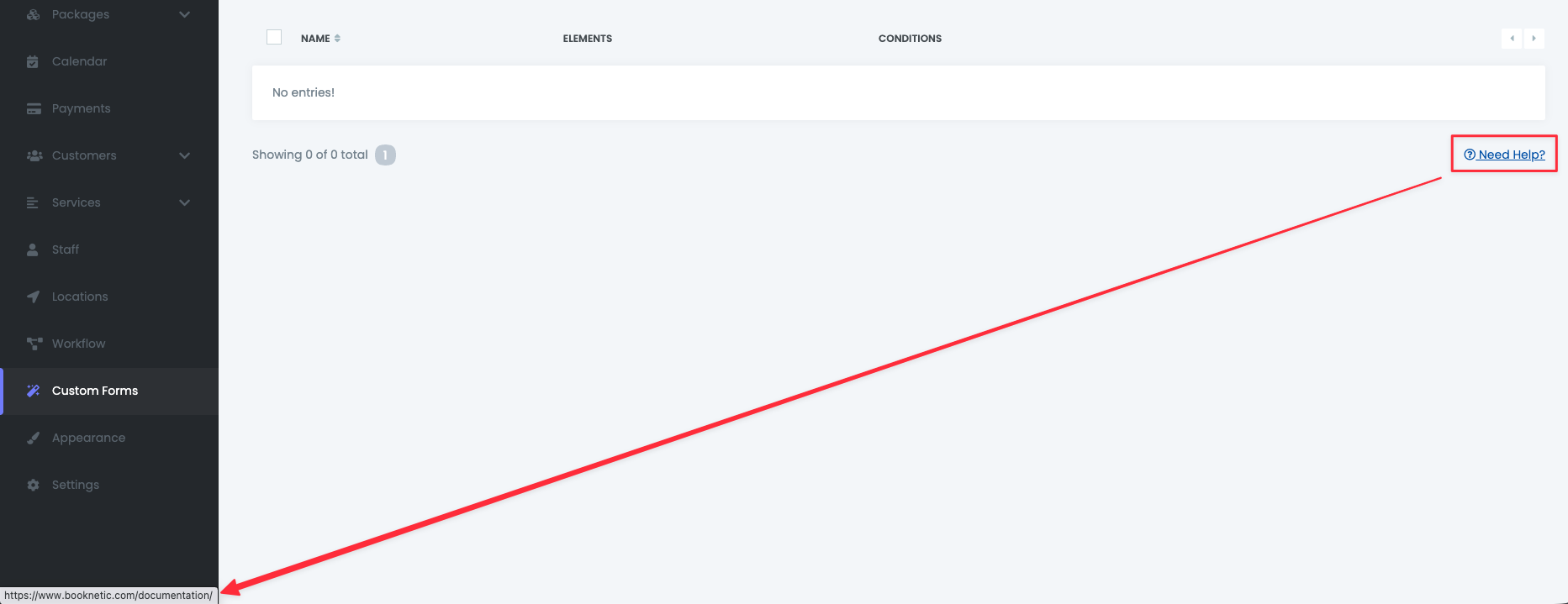
With white-labeling enabled, you can replace this with your own URL, such as:
Help center
Knowledge base
Support portal
Onboarding documentation
This ensures users are always directed to your resources instead of external Booknetic pages.
The White-Labeling Add-On includes Custom CSS, allowing deeper visual control beyond logos and titles.
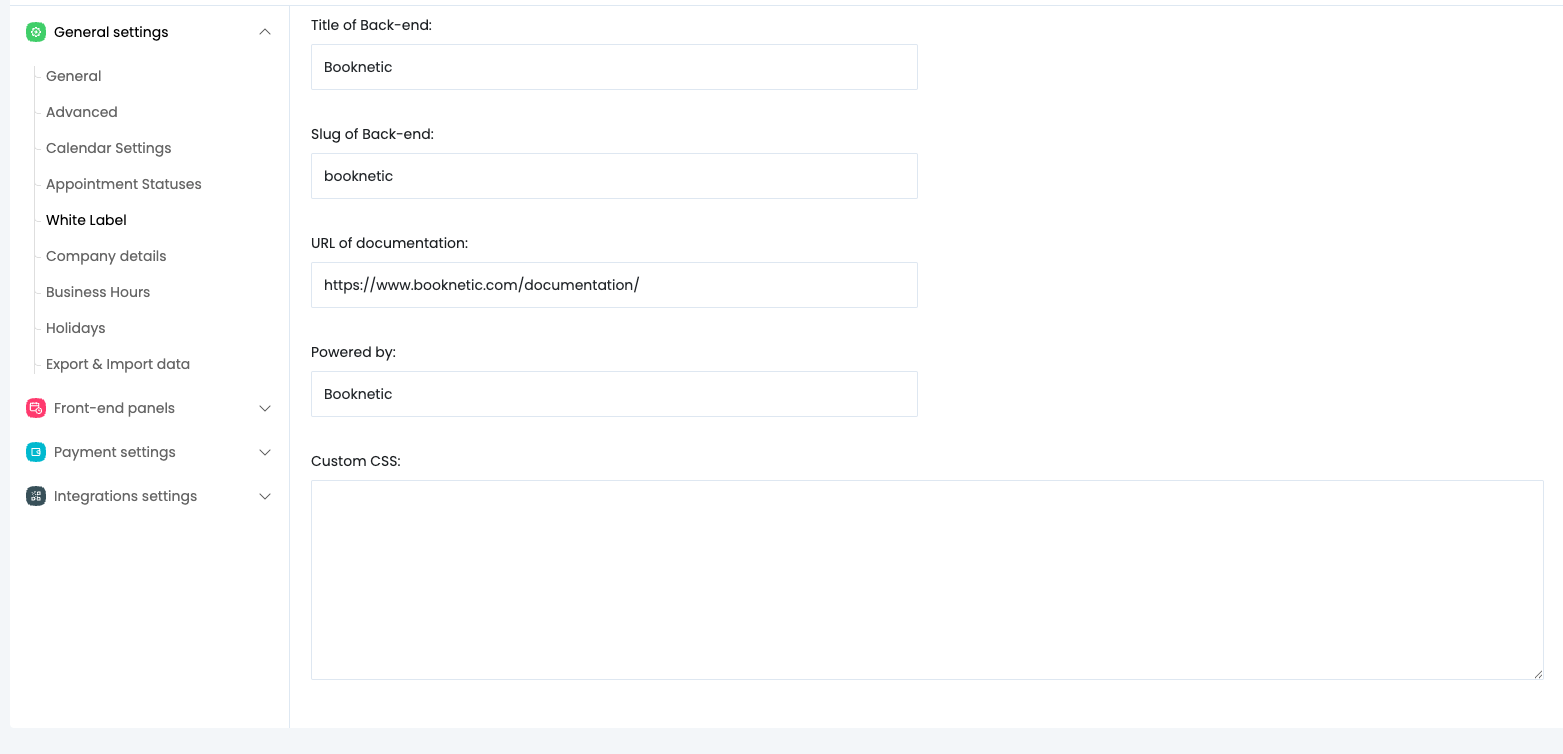
Adjust colors, fonts, spacing, and layout
Override specific UI elements
Match the booking system visually with your main website
Create client-specific styling for agency projects
CSS is applied globally to Booknetic interfaces
No core files are modified
All styles remain intact during plugin updates
This makes Custom CSS safe, upgrade-friendly, and suitable for long-term use.
White-labeling applies to:
Booknetic admin interface
Internal links and titles
Once enabled, Booknetic branding is fully removed from visible areas.