
Tenant URLs and routing modes
Booknetic SaaS tenant URLs are usually discussed in two styles: 1. Directory mode — the tenant name comes after your domain, for example example.com/tenant1/....

By using this site, you agree to our Cookie Policy
Booknetic SaaS tenant URLs are usually discussed in two styles: 1. Directory mode — the tenant name comes after your domain, for example example.com/tenant1/....
In Booknetic SaaS, each tenant needs a public booking link they can share with their own customers.
For example, if your SaaS platform is for clinics, each clinic may have its own booking page:
https://your-platform.com/aurora-wellness/https://your-platform.com/metro-dental/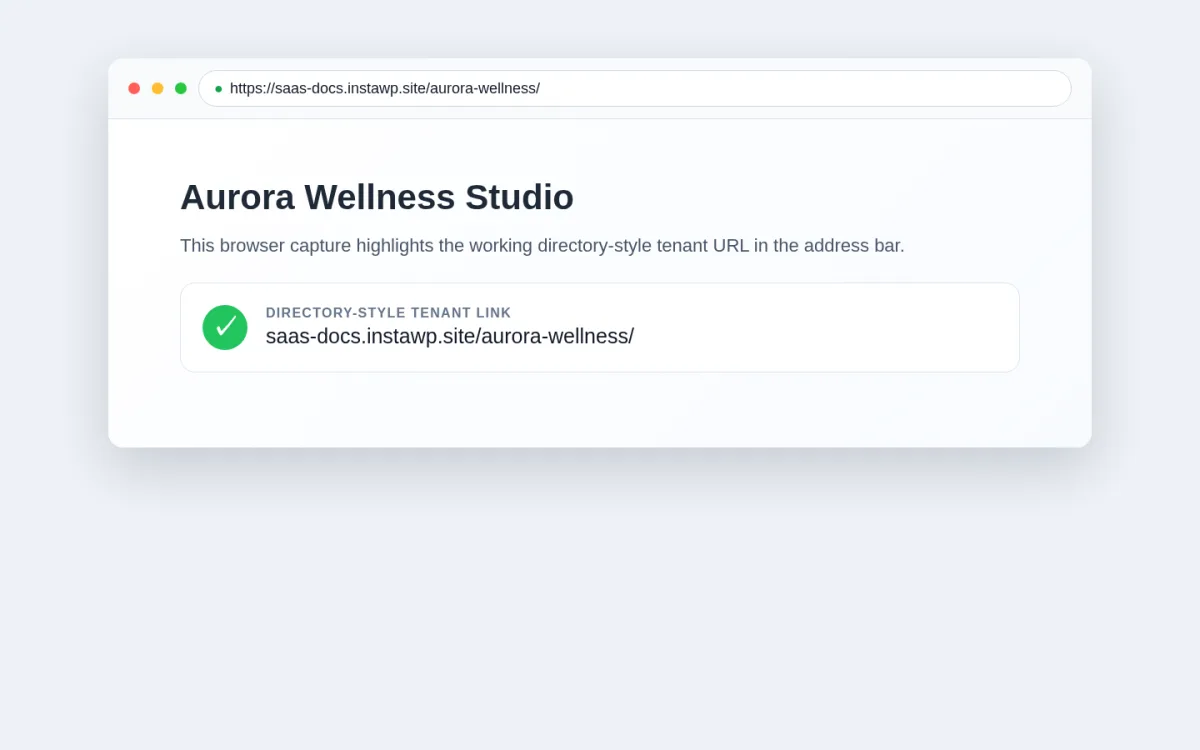
When a customer opens one of these links, Booknetic loads the shared booking page for the correct tenant. The customer sees that tenant's services, staff, locations, and booking options.
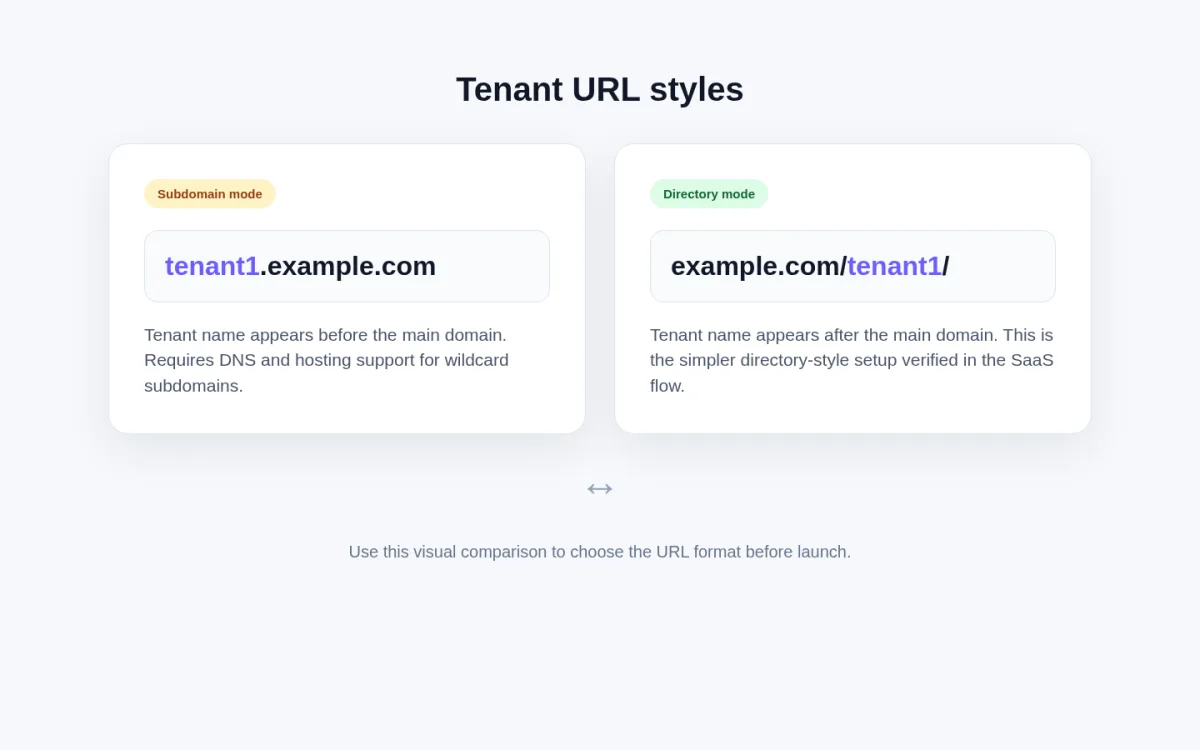
Booknetic SaaS tenant URLs are usually discussed in two styles:
example.com/tenant1/.tenant1.example.com.Directory mode is the simpler setup currently verified for the standard SaaS flow. Subdomain mode depends on your hosting and DNS setup, so it should only be used when your installation is specifically configured and tested for it.
| Item | Directory mode | Subdomain mode |
|---|---|---|
| Example URL | example. |
tenant1. |
| How customers see it | Tenant appears after the main website address | Tenant appears before the main website address |
| Setup difficulty | Easier | More advanced |
| DNS requirement | Usually no special wildcard DNS setup | Requires wildcard DNS, such as *. |
| Hosting requirement | Works on many standard WordPress hosting setups | Hosting must accept all tenant subdomains and send them to the same WordPress site |
| Best for | Most new SaaS platforms, faster launch, simpler support | Platforms that specifically want tenant-branded subdomains and can manage DNS correctly |
| Most common failure | WordPress permalinks are set to Plain, or the tenant slug is wrong | Wildcard DNS is missing or not pointing to the SaaS site |
Use this simple decision flow:
Do you need tenant URLs like tenant1.example.com for branding?
Can you manage DNS records for your domain?
Can your hosting route all tenant subdomains to the same WordPress installation?
Are tenants already live and sharing booking links?
For most platform owners, Directory mode is the safest starting point because it is easier to configure and easier to troubleshoot.
example.com/tenant1/In directory mode, every tenant has a URL under your main domain.
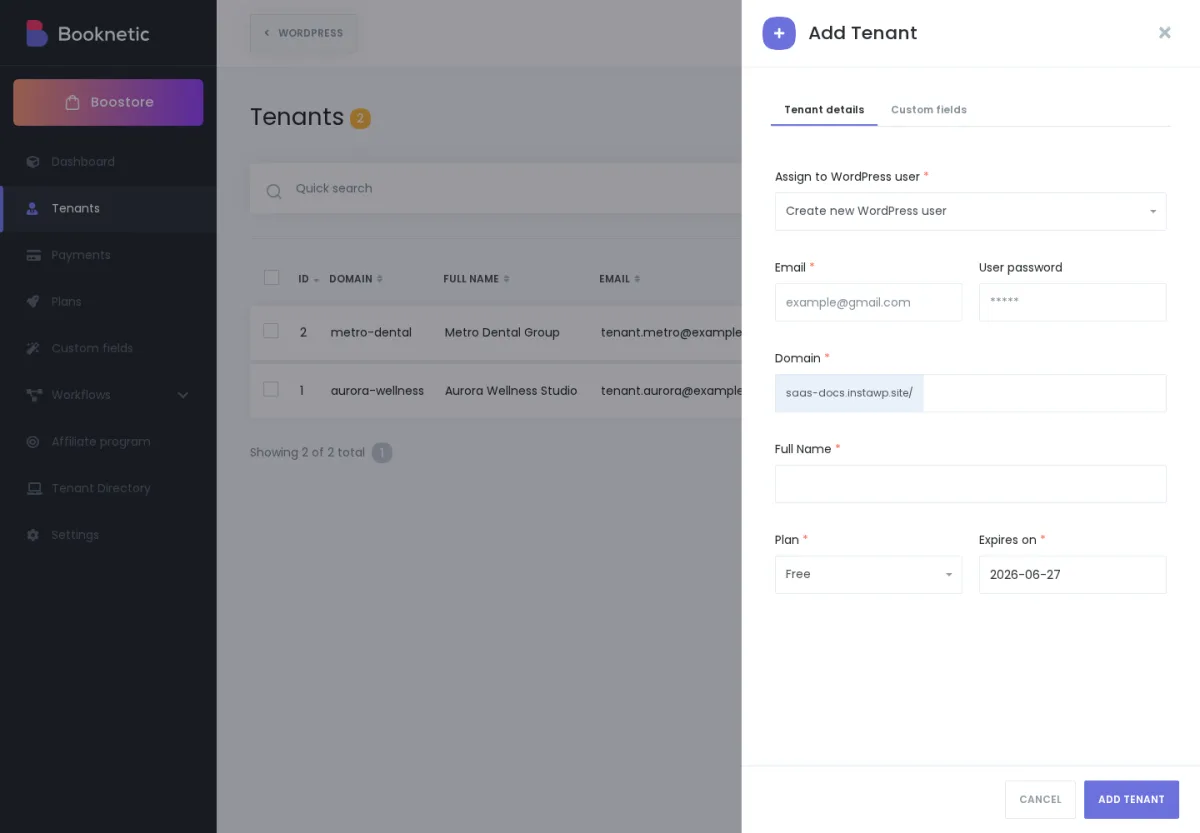
Example:
https://example.com/aurora-wellness/
https://example.com/metro-dental/
The last part of the URL is the tenant slug. A tenant slug is the short name used in the link, such as aurora-wellness.
Choose directory mode if:
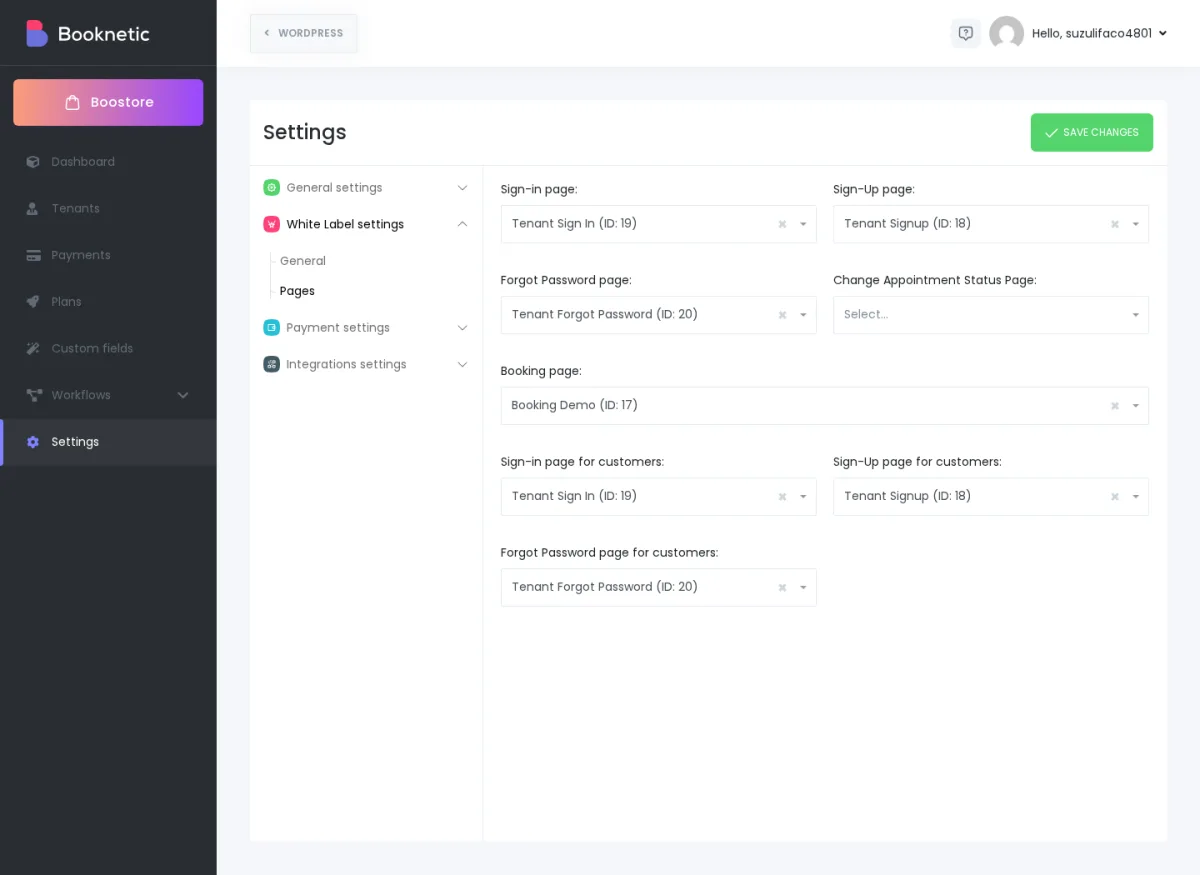
aurora-wellness.https://example.com/aurora-wellness/
Directory mode needs WordPress permalinks to work correctly. If WordPress Permalinks are set to Plain, tenant links like example.com/tenant1/ may not load as expected.
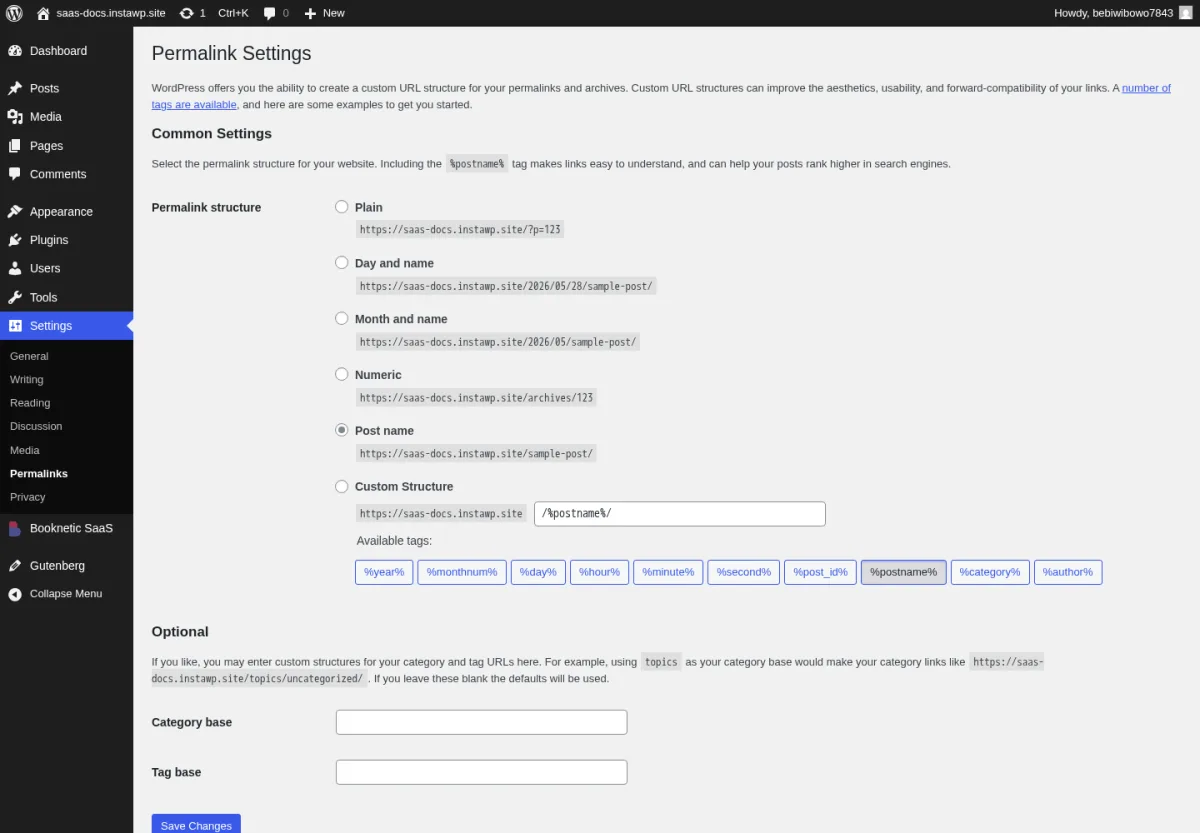
If directory tenant URLs do not work, check Settings → Permalinks first.
tenant1.example.comIn subdomain mode, each tenant has a subdomain under your main domain.
Example:
aurora-wellness.example.com
metro-dental.example.com
This looks more separate from the main platform domain, which some SaaS owners prefer for branding. However, it is also more technical to set up.
Choose subdomain mode only if:
tenant.example.com.If any of these are unclear, use directory mode first.
Subdomain mode requires DNS and hosting support. The exact screens depend on your domain provider and hosting company, but the general setup is:
Example:
*.example.com
aurora-wellness.example.com
Subdomain mode will not work just because the tenant exists in Booknetic.
Your domain must have a wildcard DNS record. In plain words, wildcard DNS means:
"Send any tenant subdomain under my domain to this same SaaS website."
Without wildcard DNS, links like tenant1.example.com usually fail with a 404 page, browser error, or hosting default page.
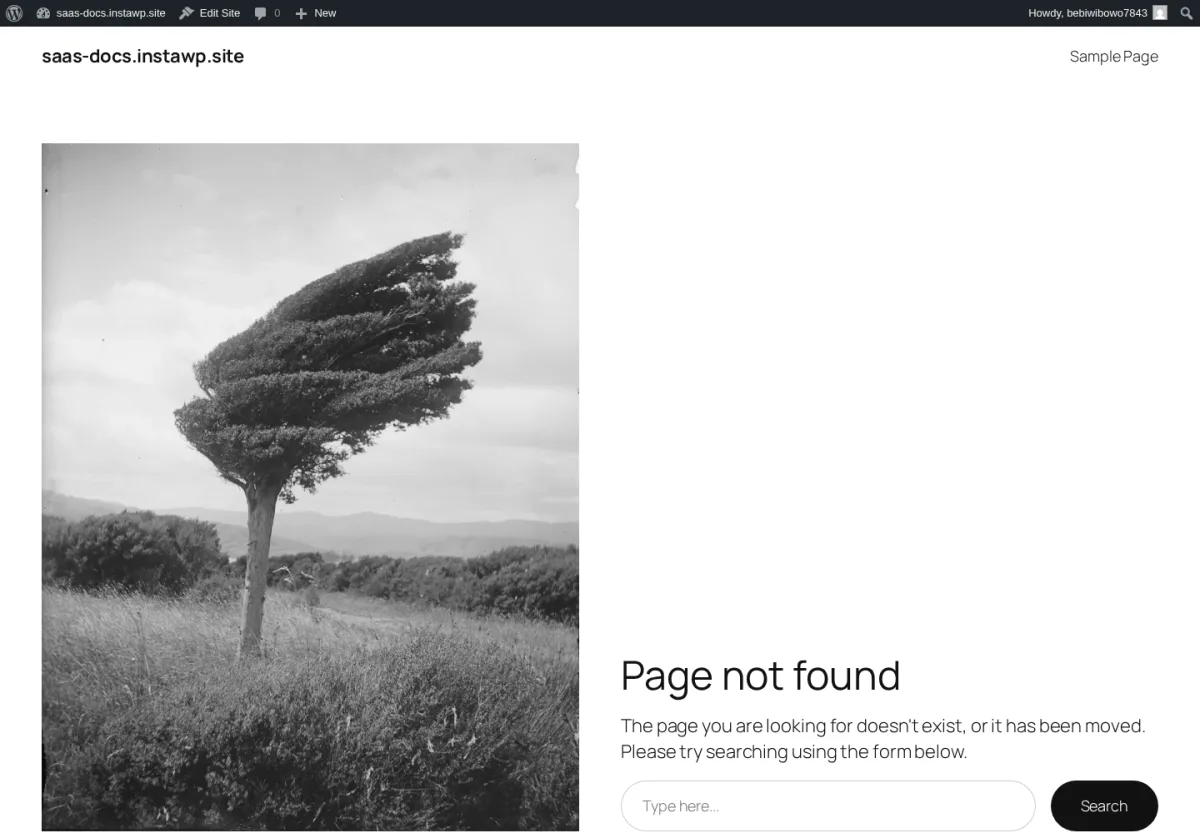
If a tenant subdomain shows a 404 page or does not open, check these items first:
*.example.com is created in your DNS provider.aurora-wellness, test aurora-wellness.example.com, not a different spelling.If you are not comfortable checking DNS records, ask your hosting provider to confirm that wildcard subdomains are routed to your WordPress installation.
If example.com/tenant1/ does not load correctly, check these items:
The most common cause is a permalink configuration issue.
Tenants can usually find their booking link in their own panel under Billing → Share Page.
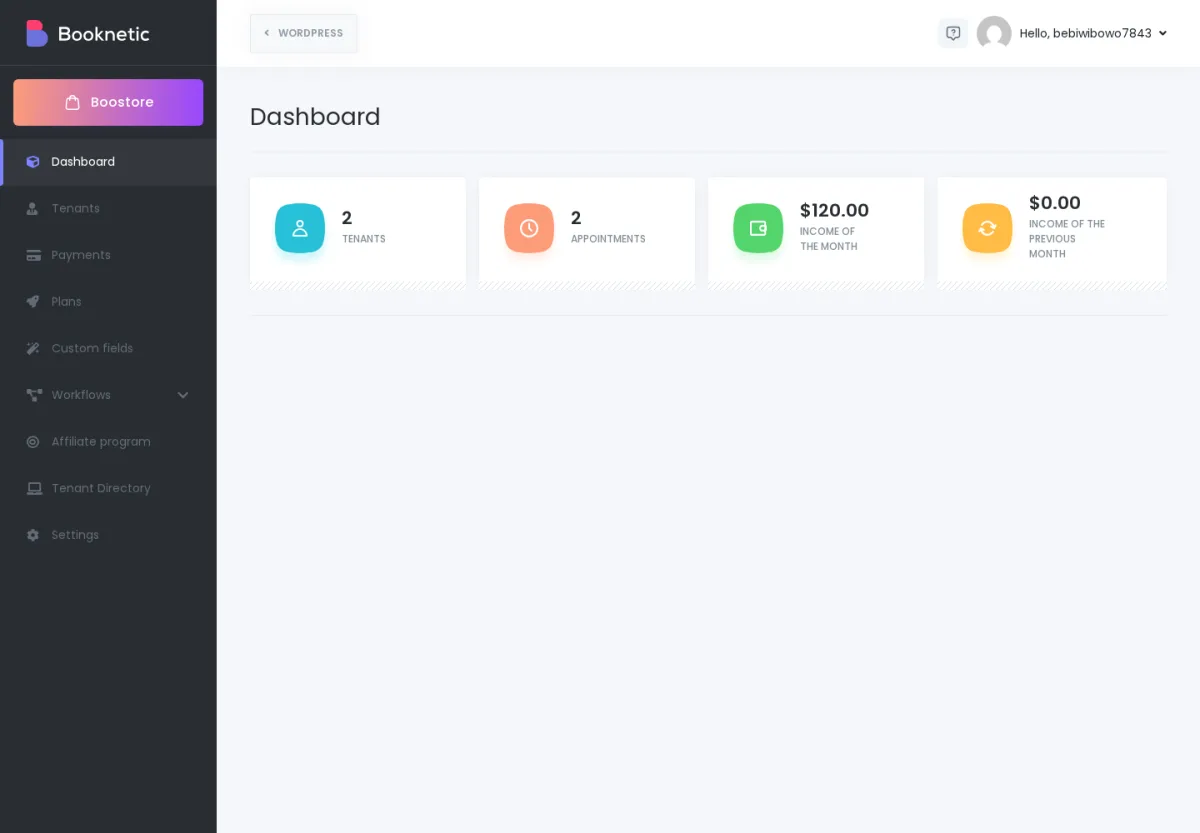
From that screen, a tenant can:
If the tenant URL changes later, tenants should update any copied links, QR codes, email templates, and iframe embeds they already shared.
Plan your routing mode before launch whenever possible.
Changing from directory-style URLs to subdomain-style URLs, or the other way around, can affect links that tenants and customers already use. This may include:
If your platform is already live, treat a routing-mode change like a small migration project. Test it on a staging site first, prepare redirects if needed, and tell tenants which links they should update.
Because subdomain routing depends on DNS and hosting, confirm the supported switching process with your Booknetic SaaS support contact before changing a live platform.
You may need to update a tenant slug if a business changes name or if the original slug has a typo.
Before changing it, remember that the tenant's public booking URL changes too.
Example:
Old: https://example.com/aurora-wellness/
New: https://example.com/aurora-studio/
After changing a slug, ask the tenant to update:
Before you launch your SaaS platform publicly:
Do this before tenants start sharing links with real customers.
| Problem | Most likely cause | What to check |
|---|---|---|
example. shows 404 |
WordPress permalinks or wrong tenant slug | Settings → Permalinks; tenant slug; SaaS Booking page |
tenant1. does not open |
Wildcard DNS missing | DNS record for *. |
| Subdomain opens hosting default page | Hosting is not routing wildcard subdomains to WordPress | Hosting control panel / hosting support |
| Browser shows SSL warning on tenant subdomain | SSL certificate does not cover wildcard subdomains | SSL certificate / hosting SSL settings |
| Tenant sees an old link after slug change | Link was copied before the change | Update shared links, QR codes, emails, and iframes |
If you are not sure which option to choose, start with Directory mode.
It is easier to set up, easier to support, and works well for most SaaS platforms. Choose subdomain mode only when you have a clear branding need and your DNS/hosting setup is ready for it.