


The Mollie add-on connects Booknetic appointment payments with Mollie Checkout. Where configured, selected Mollie payment methods can be shown based on the merchant account, currency, and billing country.
What you can do with Mollie in Booknetic
- Offer Mollie Checkout as an online appointment payment option.
- Control visible Mollie methods where the supported settings allow it.
- Use payment links with Mollie when the add-on is active and configured.
How Mollie payments work
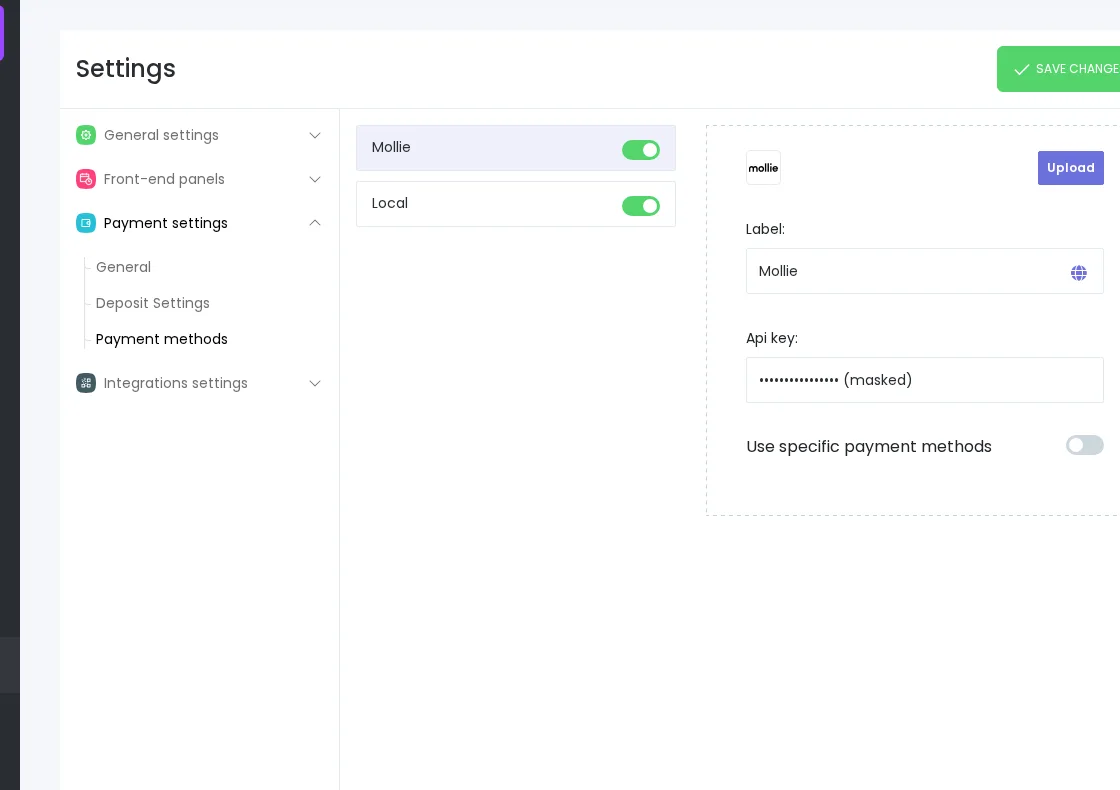
- Install and enable the Mollie payment add-on.
- Add the Mollie API key in Booknetic payment settings.
- Optionally configure specific payment methods and billing country settings where available.
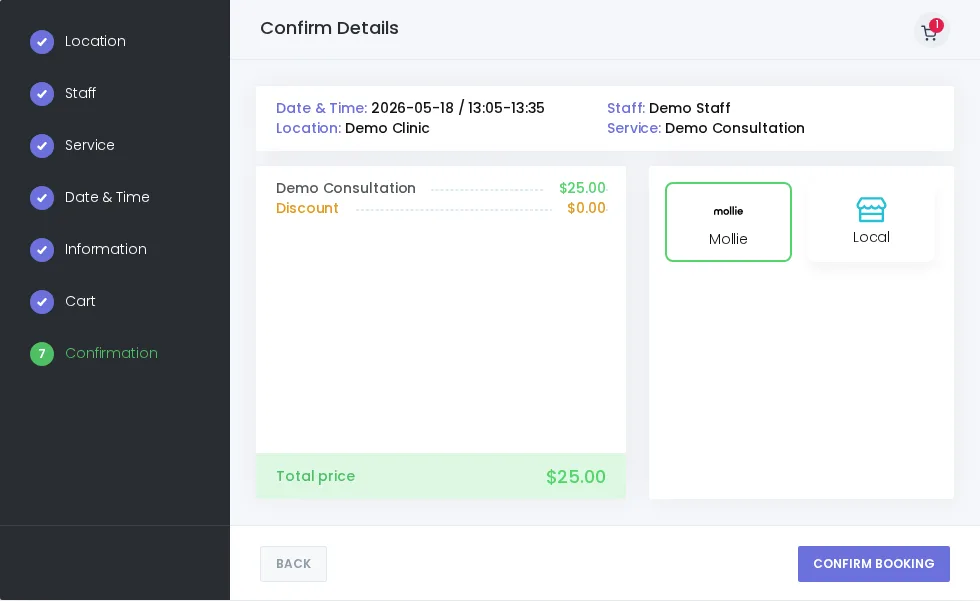
- The customer continues through Mollie Checkout, and Booknetic records the payment result.
Configuration notes
Method availability depends on the Mollie account, currency, and billing country. Because those conditions can differ by merchant setup, avoid treating one fixed list of Mollie methods as available for every business.
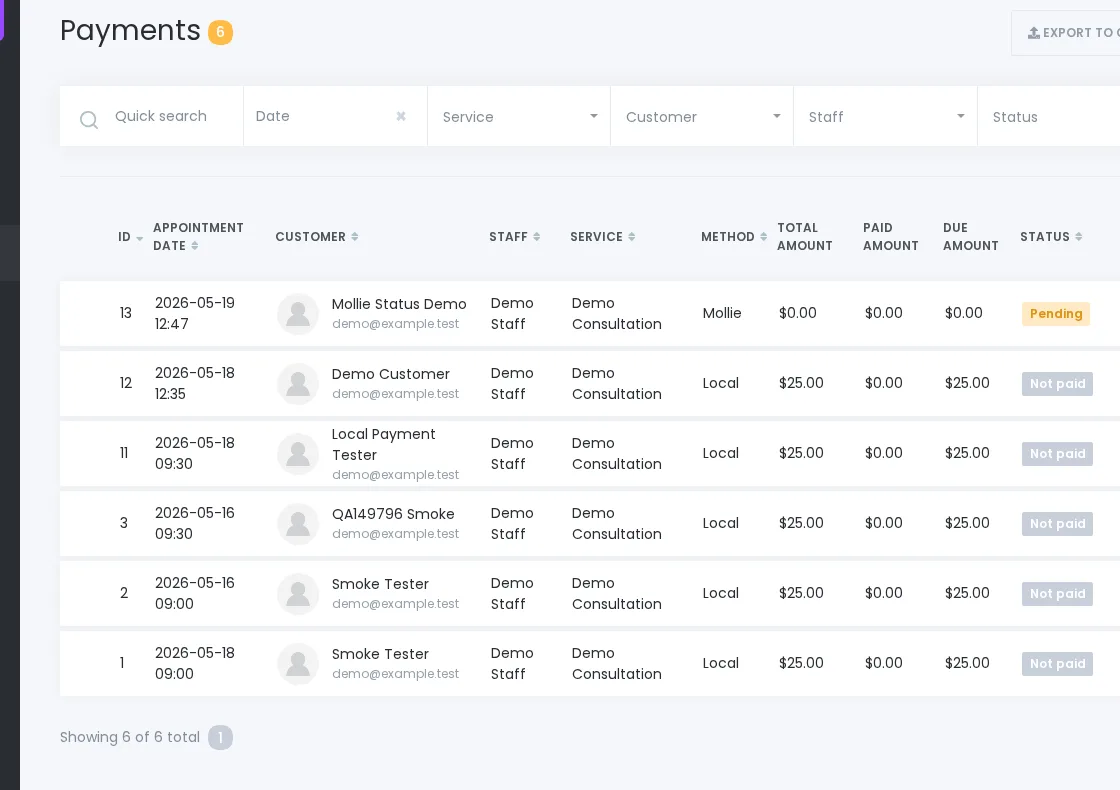
Refund handling and provider-side payment actions should be managed in Mollie where supported by the merchant account.
FAQ
Can I choose which Mollie methods appear?
Booknetic can show selected Mollie methods where the relevant settings are configured, but available methods depend on the Mollie account, currency, and billing country.
Does Mollie support payment links?
Yes. Payment links can be used with Mollie when the Mollie add-on is active and configured.
Can every merchant use the same Mollie setup?
No. Keep the setup aligned with the merchant’s Mollie account, configured currency, and billing-country requirements.


