


Block unavailable days before customers try to book
Use Holidays settings to mark full non-working days for the business or individual staff members, so unavailable dates do not appear as bookable.
Feature explanation
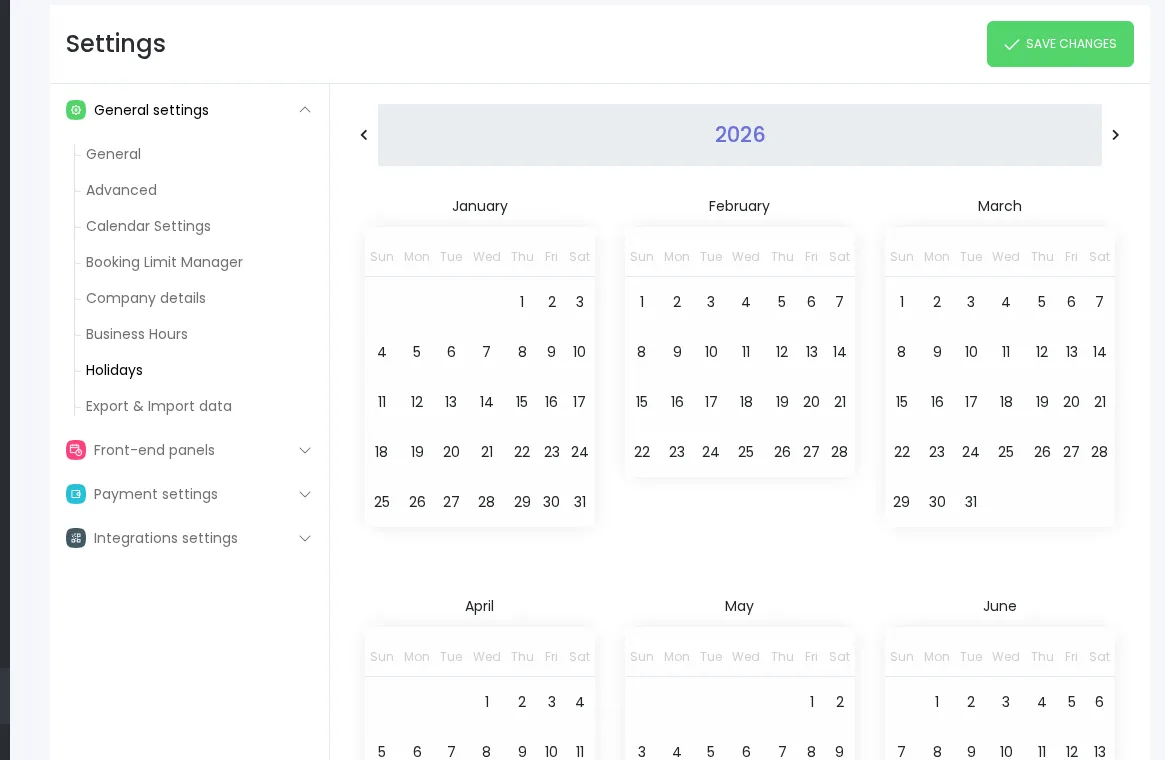
Booknetic Holidays settings help businesses prevent bookings on dates when appointments should not be available. Add a business-wide holiday to block a full day across the booking system, or configure a staff-specific holiday from the staff profile when only one team member is unavailable.
Current sources confirm holidays are full-day blocks. They do not support partial-day holidays, recurring annual holidays, automatic public-holiday import, or country holiday calendars. For partial-day availability, use the appropriate scheduling controls outside this page.
Key benefits
- Prevent bookings on closed days: Block full days when the whole business is unavailable.
- Handle staff vacations: Mark individual staff members unavailable without closing the whole business.
- Reduce manual rescheduling: Keep unavailable dates out of the customer booking flow.
- Plan ahead for closures: Add known closure days before customers reach the date/time step.
- Keep rules understandable: Separate full-day holidays from breaks, busy slots, business hours, and external calendar sync.
How it works
- Add a business-wide holiday from Holidays settings when all locations, services, and staff should be unavailable for that date.
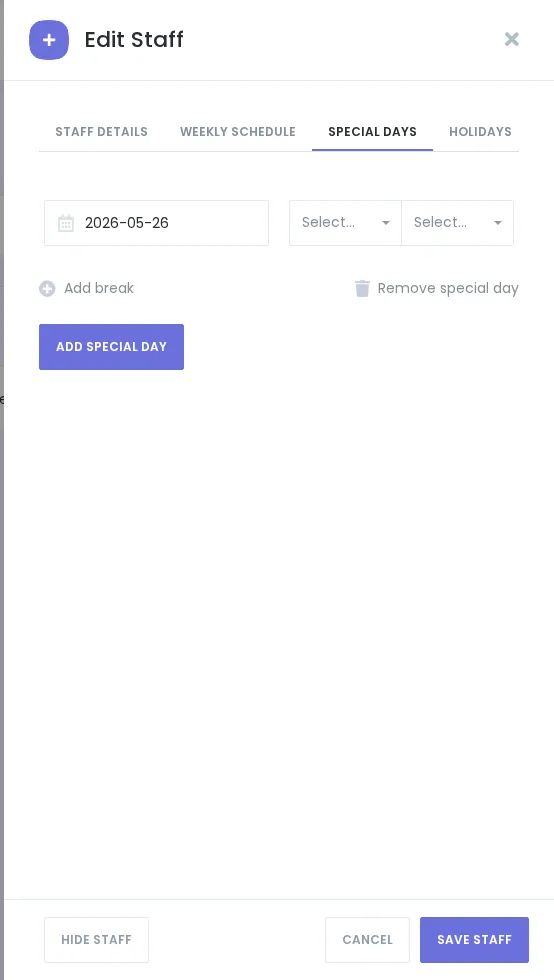
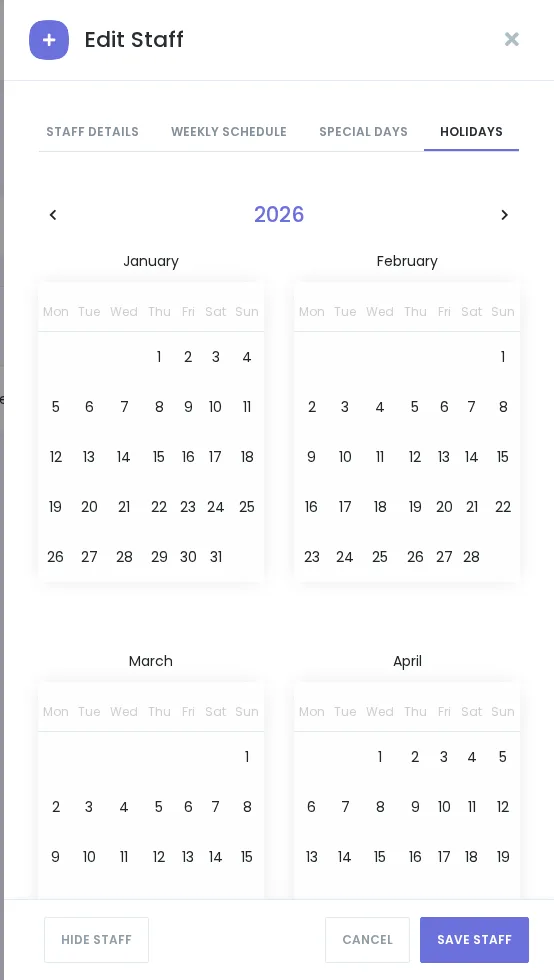
- Add a staff-specific holiday from the staff profile Holidays tab when only that staff member is unavailable.
- Booknetic blocks the affected full day in the relevant customer booking availability.
- Re-add recurring annual closures manually each year because recurring holidays are not currently supported by current documentation.
FAQ
Can Holidays block part of a day?
No. Current current documentation identify Holidays as full-day availability blocks.
Do Holidays repeat every year automatically?
No. Current sources say recurring holidays are not supported and must be re-added manually.
Are staff holidays the same as business-wide holidays?
No. Business-wide holidays block the booking system for the day. Staff-specific holidays affect the selected staff member.


