


Real-time alerts that keep your team informed—right inside the dashboard.
In-App Notifications bring instant, contextual updates directly into the Booknetic dashboard. Instead of relying only on emails or external tools, your admins and staff receive timely notifications exactly where they work, that helping them react faster, stay organized, and never miss important events.
Why In-App Notifications Matter
Modern scheduling workflows require immediate visibility. With In-App Notifications, you can surface critical events the moment they happen, guide users directly to the relevant information, and reduce friction caused by missed or delayed updates.
This feature is designed for speed, clarity, and actionability.
Key Features
Real-Time Notifications in the Dashboard
Notifications are delivered instantly inside the dashboard without page reloads. When something important happens, users are informed immediately, no refresh, no delay.
A subtle real-time toast appears on the screen, while the notification is automatically added to the notifications list for later review.

Notification Center with Unread Indicators
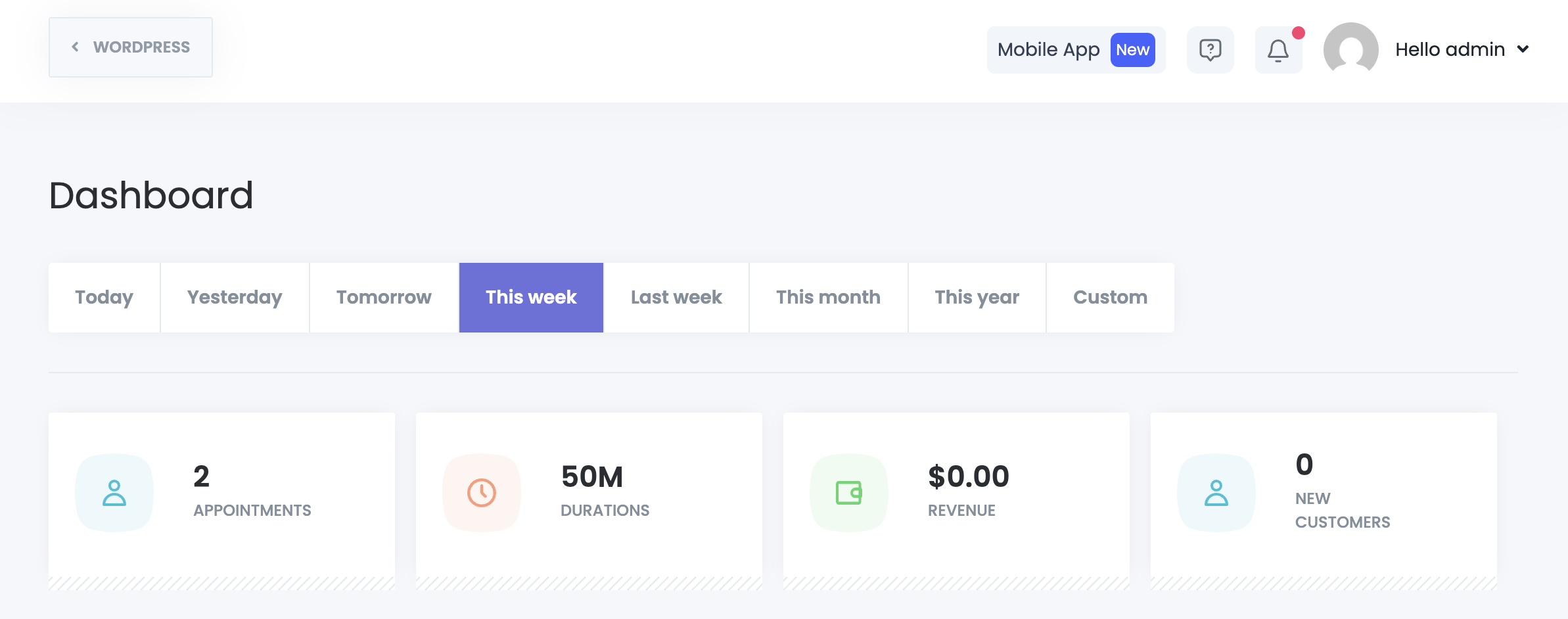
A dedicated notification icon is displayed in the top-right corner of the dashboard.
- Unread notifications are clearly indicated with a red badge
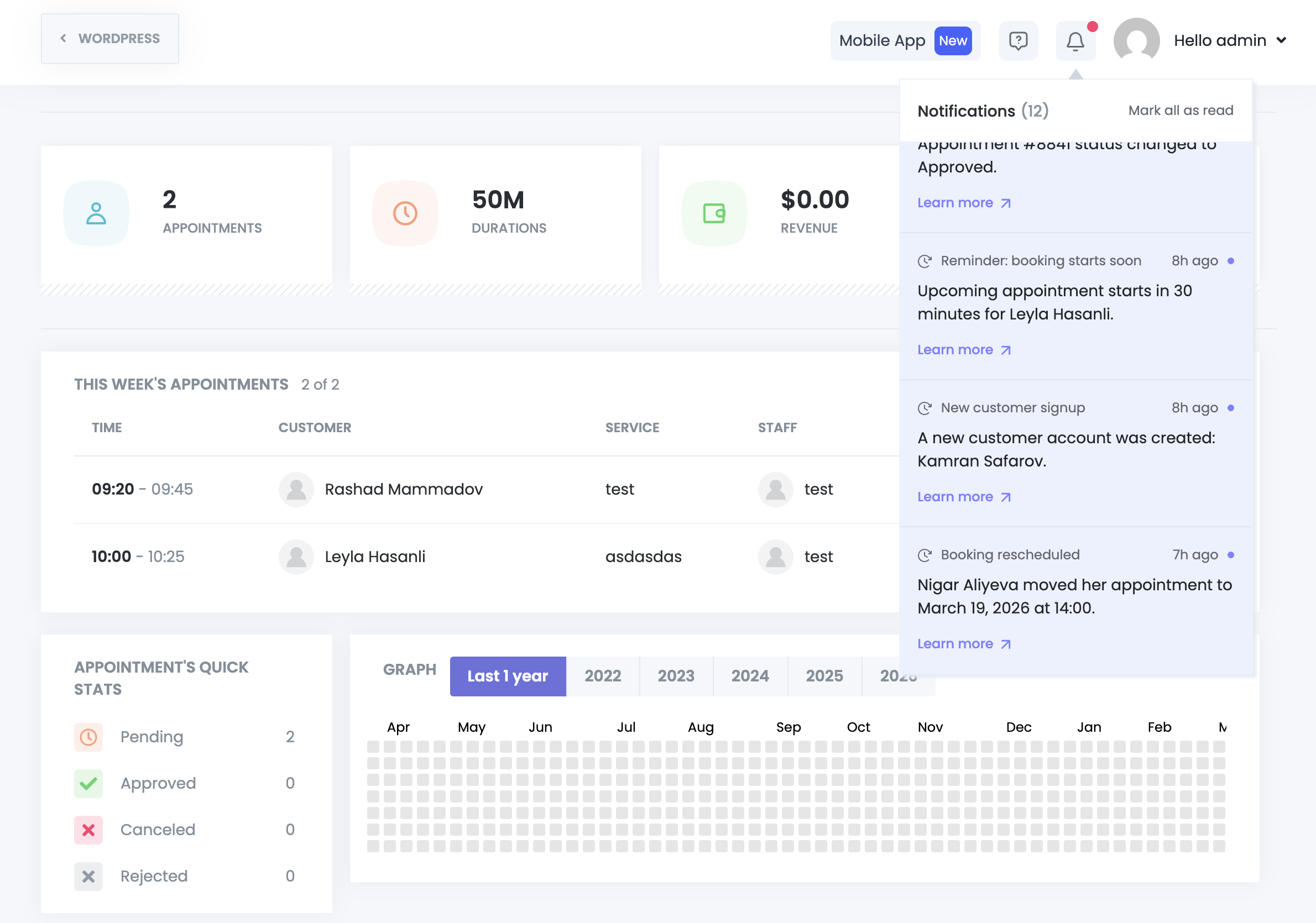
- Clicking the icon opens a dropdown listing recent notifications
- Notifications are loaded smoothly without blocking or reloading the page
This ensures visibility without interrupting the user’s workflow.
Smart Notification Types & Visual Cues
Each notification is visually categorized to improve readability and prioritization:
- Info
- Success
- Warning
- Danger
Every notification includes:
- A clear title
- A descriptive message
- A relative timestamp (e.g. now, 1 min ago, 1 hour ago, 1 day ago)
Users can immediately understand what happened and how urgent it is.

Action-Driven Notifications (Not Just Messages)
In-App Notifications are not passive alerts; they are interactive.
Each notification can trigger a specific action when clicked, such as:
- Opening an appointment’s details instantly
View appointment information in a modal without leaving the current page.
- Redirecting to an external or internal link
Open relevant pages in a new tab when needed.
This turns notifications into shortcuts, not distractions.

Workflow-Powered Automation
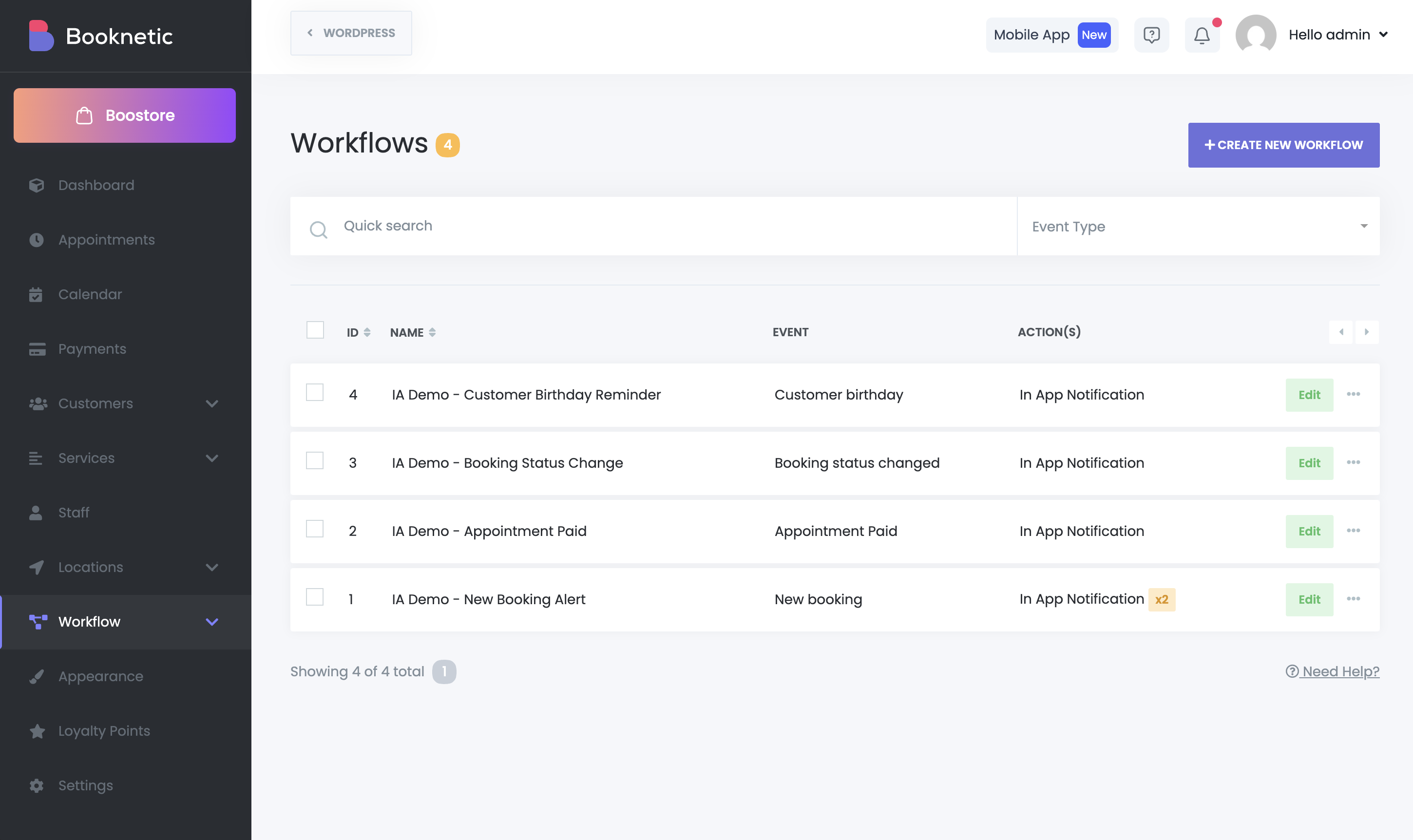
In-App Notifications integrate directly with Booknetic Workflows, allowing you to send notifications automatically based on events you choose.
You can create workflow actions such as:
Send In-App Notification
- Send to the staff member of the appointment or selected staff
- Define notification type (info, success, warning, danger)
- Customize the title and message content
This gives you full control over when, why, and to whom notifications are sent.
Infinite Scroll & Bulk Actions
The notification list supports infinite scrolling, so users can browse older notifications seamlessly without pagination interruptions.
Additional controls include:
- Mark all as read with one click
- Automatic marking as read when a notification is opened
This keeps the notification center clean and manageable over time.
Non-Blocking Performance
Notification data is loaded independently from the main page content.
This means:
- No full-page loading spinners
- No dashboard slowdowns
- No interruptions to ongoing work
Everything feels instant and lightweight.
Use Cases
- Notify staff when a new appointment is booked or updated
- Alert admins about cancellations, reschedules, or conflicts
- Inform team members about system or workflow events
- Provide quick access to appointment details without navigation
Built for Growing Teams
Whether you manage a small business or a large multi-staff operation, In-App Notifications scale with your workflow and ensure everyone stays aligned—without relying solely on email.


