


Set booking-count limits for supported teams, locations, services, or customers
Use the Booking Limit Manager add-on to set booking-count limits for supported scheduling dimensions and reduce overbooking risk.
Feature explanation
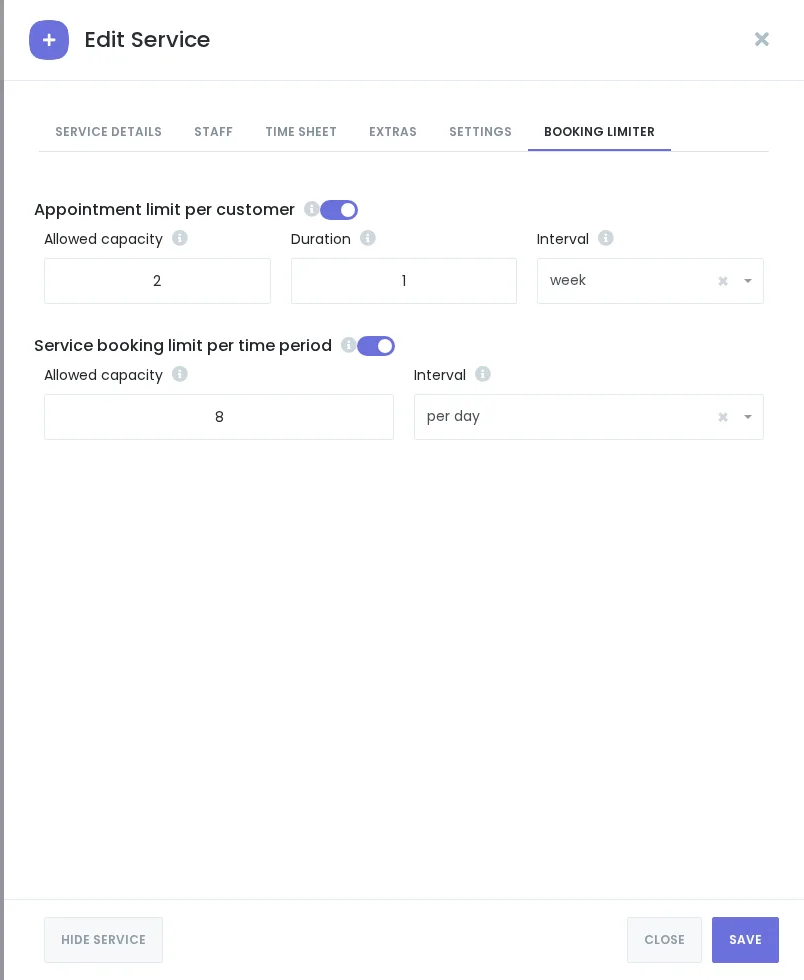
Booking Limit Manager is a Booknetic add-on for businesses that need booking-count controls beyond standard schedules. Current sources confirm location-based and staff-specific daily/weekly caps, while live documentation also describes service-specific and customer/global booking limits.
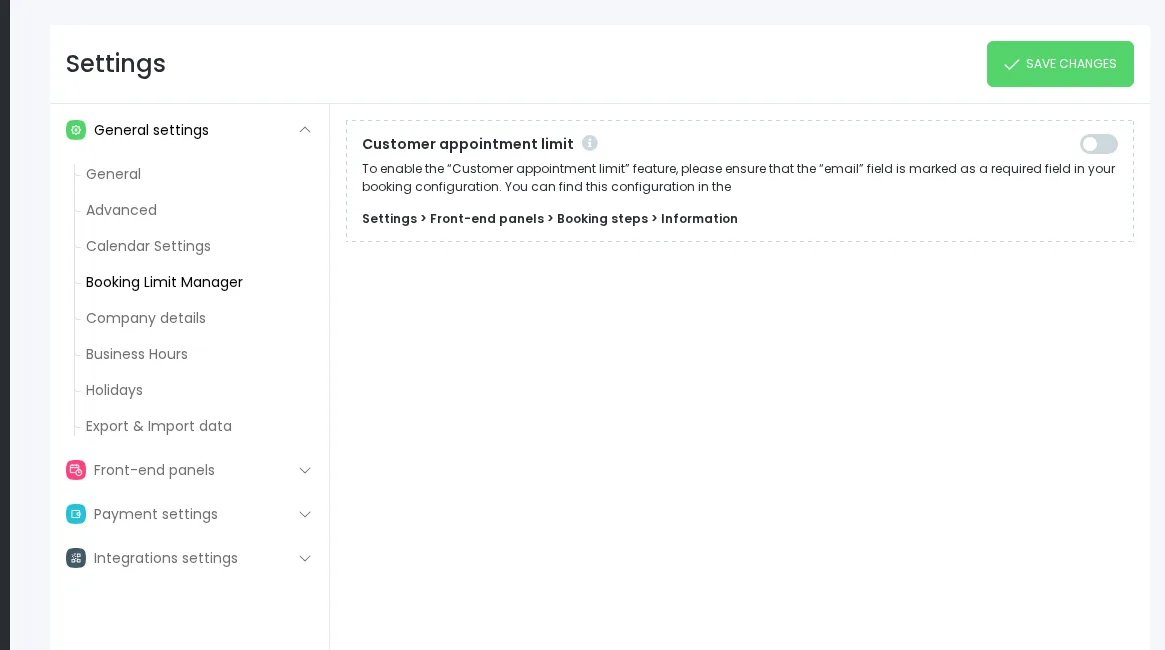
Use this feature to help manage appointment volume by configured dimension and time period. It should not be positioned as inventory management, room capacity management, dynamic load balancing, or a replacement for Holidays, Busy Slots, staff schedules, service capacity, or external calendar sync.
Booking Limit Manager helps restrict booking counts according to configured rules. Avoid guarantee language such as “ensures no overbooking.”
Key benefits
- Set practical booking caps: Limit booking volume by staff or location using source-backed per-day, per-week, or per-month controls where supported by the current UI.
- Support configured limit rules: Use available booking-limit settings only after the current UI confirms the supported dimensions.
- Protect team capacity: Reduce overload from too many appointments in the same time window.
- Complement scheduling settings: Use limits alongside staff schedules, holidays, busy slots, and calendar management.
- Keep rules visible in setup: Configure limits from the relevant Booking Limiter areas where current UI confirms them.
How it works
- Install and enable the Booking Limit Manager add-on from BooStore/Boostore.
- Configure location-based limits from the Location edit flow where the Booking Limiter tab is available.
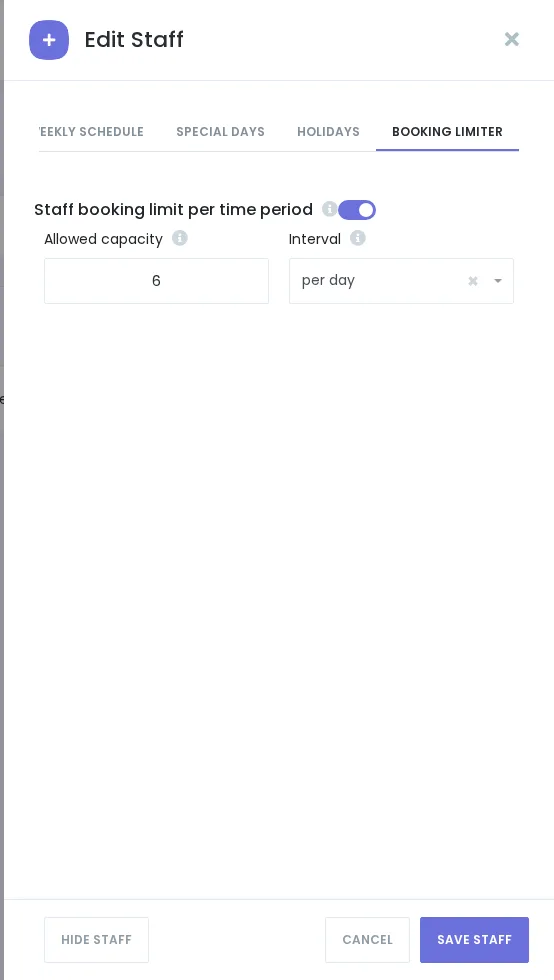
- Configure staff-specific limits from the Staff edit flow where the Booking Limiter tab is available.
- Test the booking panel with safe test data to confirm the current limit-reached behavior before publishing screenshot copy.
FAQ
Is Booking Limit Manager a core feature?
Current sources identify it as an add-on. Current sources identify it as an add-on. Exact availability depends on the current product and pricing structure.
Does it manage inventory, seats, or rooms?
No. Current approved wording is booking-count limits, not inventory/resource capacity management.
What limit dimensions should I confirm before publishing?
Staff and location daily/weekly caps are safest from both product bible and technical notes. Service/customer/global limits are source-backed by live docs but still need QA verification before final customer-facing copy.


